Iron Mind AI

Claude Code Orchestrator

Launch and monitor headless Claude Code agent runs on your own servers, from anywhere.

Iron Mind AI

Sign in

Welcome back — enter your credentials to continue.

Create account

Get started — we'll email you a verification link.

Reset password

Enter your email and we'll send a reset link if an account exists.

Check your inbox

Iron Mind AI

Claude Code Orchestrator

Choose a new password for your account.

Iron Mind AI

Set a new password

This link is valid for a limited time.

Iron Mind AI

Verify your email

We sent a verification link to . Click the link to unlock your account — this page will update automatically.

Iron Mind AI

Orchestrator

●
Loading sessions…
⚠ Claude login required on .
Preset
Model
Created
Finished
Session
Context
Original prompt

        
New session
Preset

New Run

Select a preset to see a preview…

This is the system-wide default model, used for new runs and schedule firings that don't specify one. Changes save immediately.

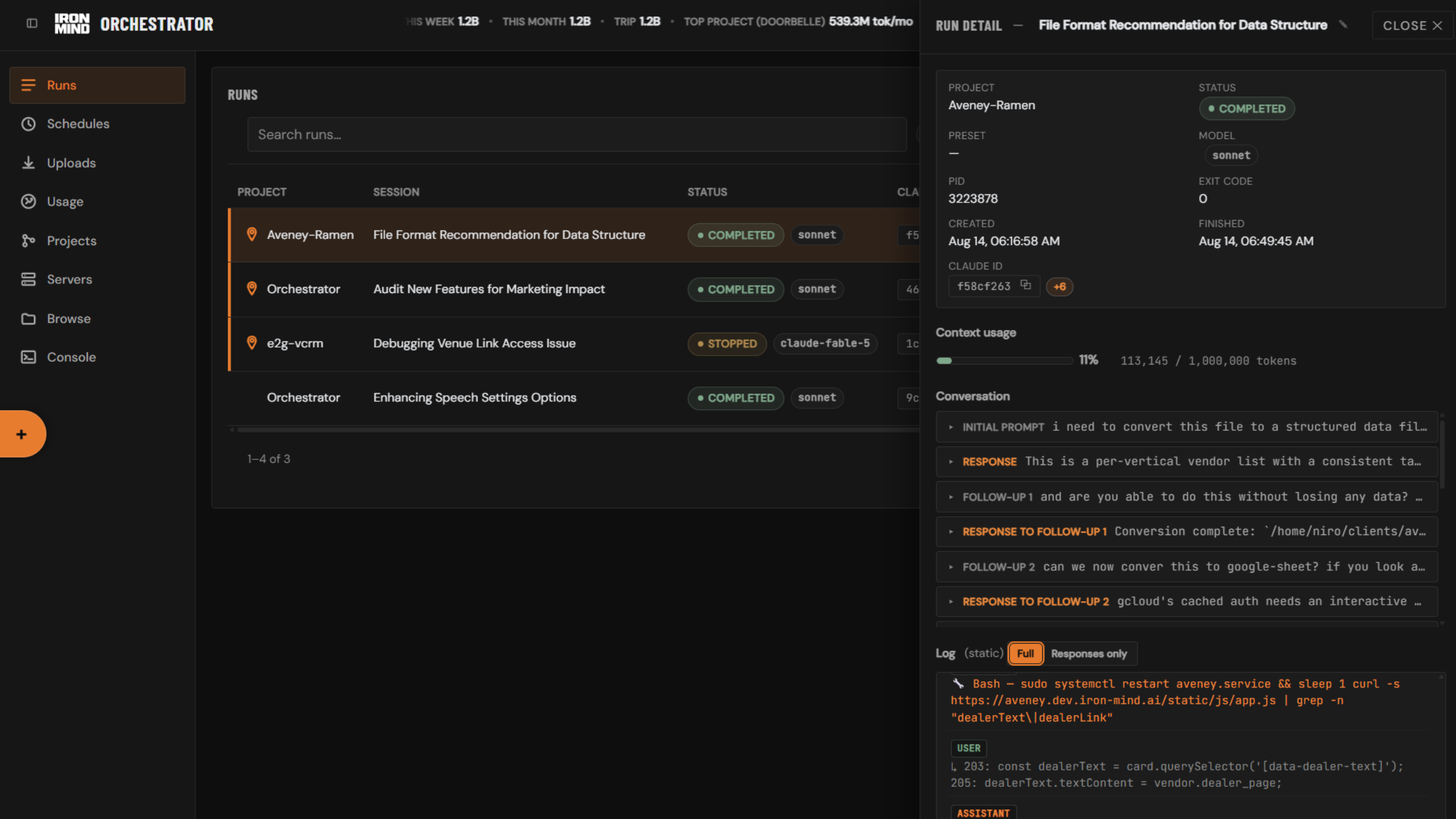
Runs

Project Chat Status Session Context Created Finished Duration Actions
Loading runs…

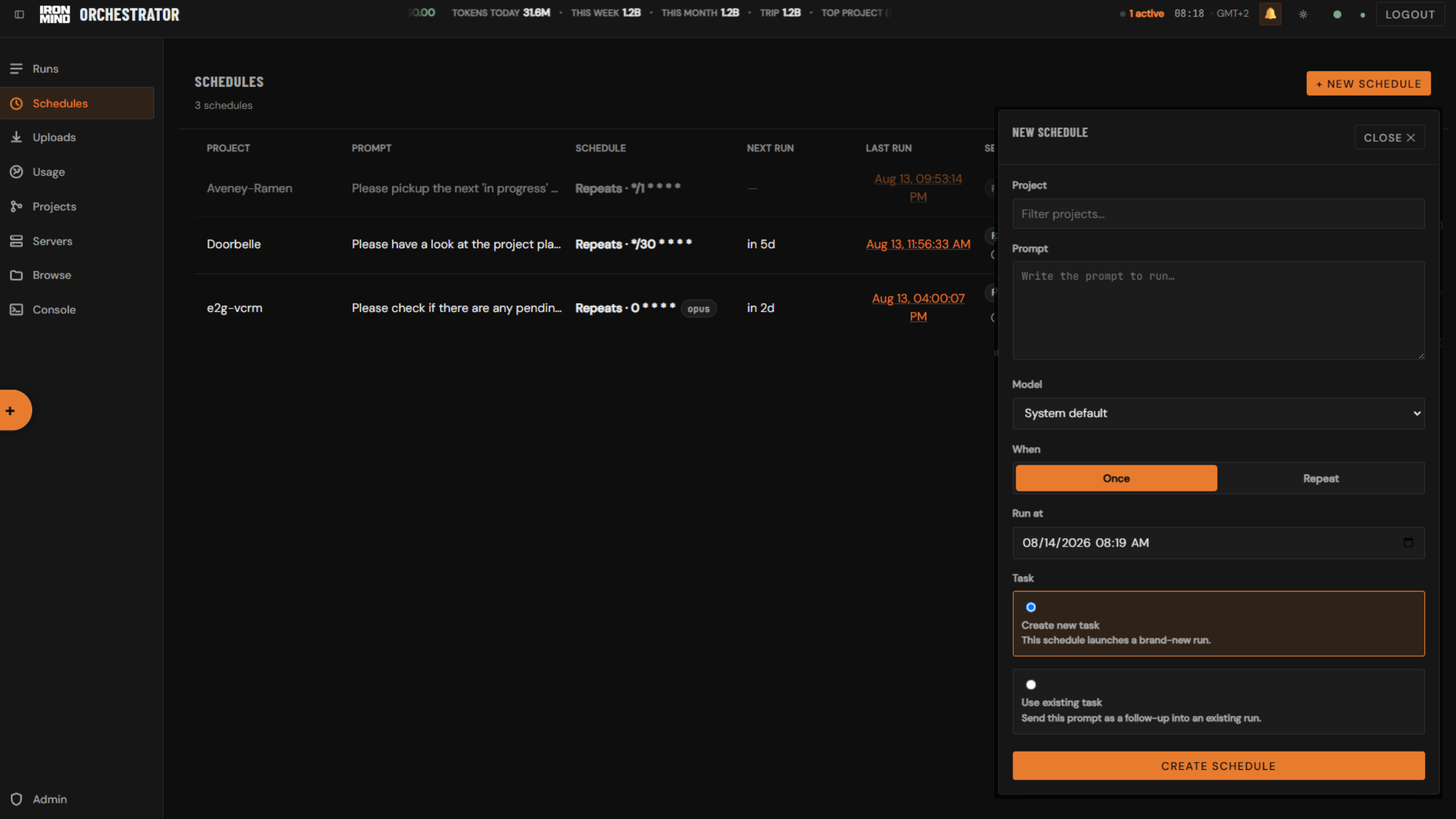
Schedules

Project Prompt Schedule Next run Last run Session Enabled Actions
Loading schedules…

Uploads

Filename Project Run Size Uploaded
Loading attachments…

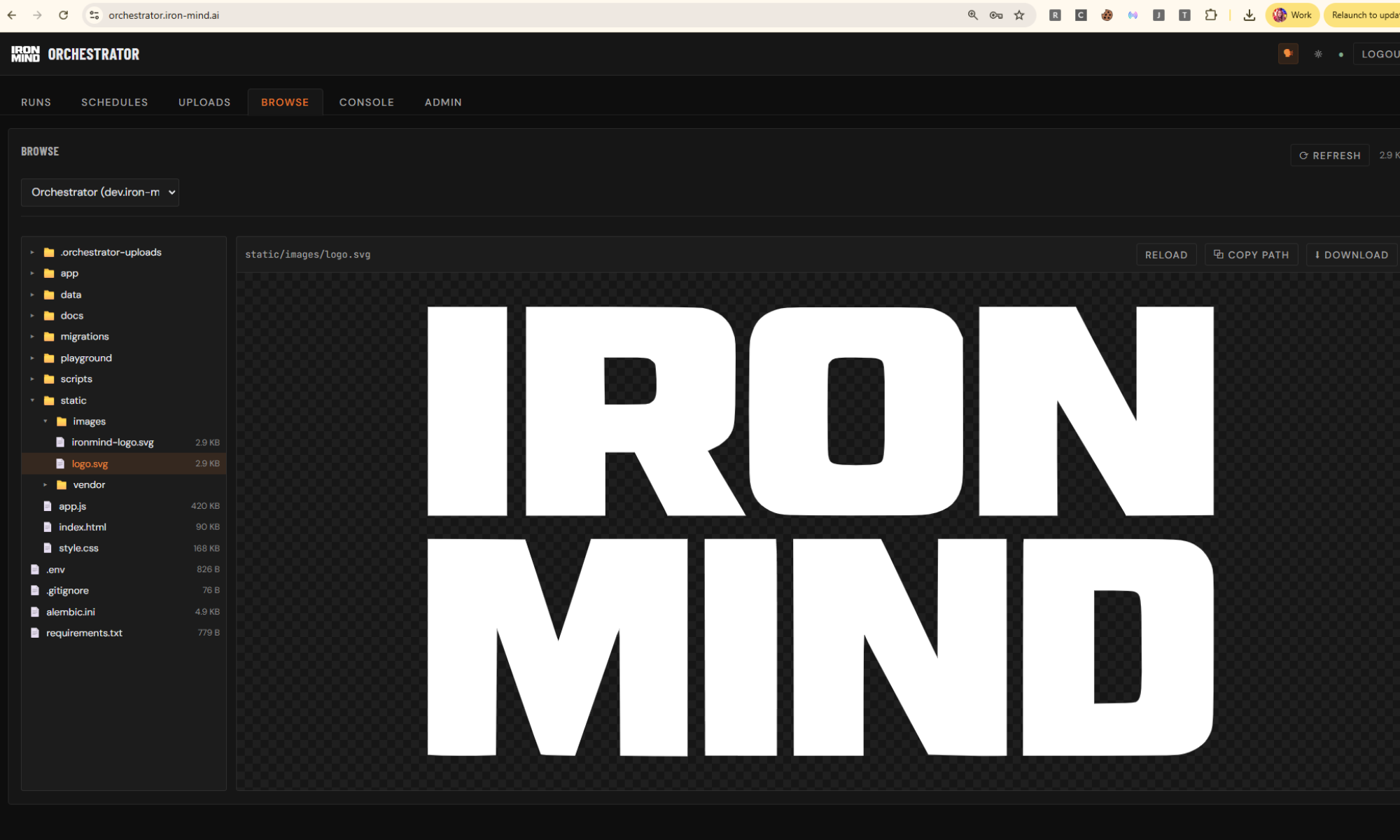
Browse

Select a project to browse its files.
Large file — view only (truncated). Binary file — preview not available.
File changed on disk since you opened it.
Select a file from the tree to view it.

Unsaved changes

You have unsaved edits to this file. Discard them?

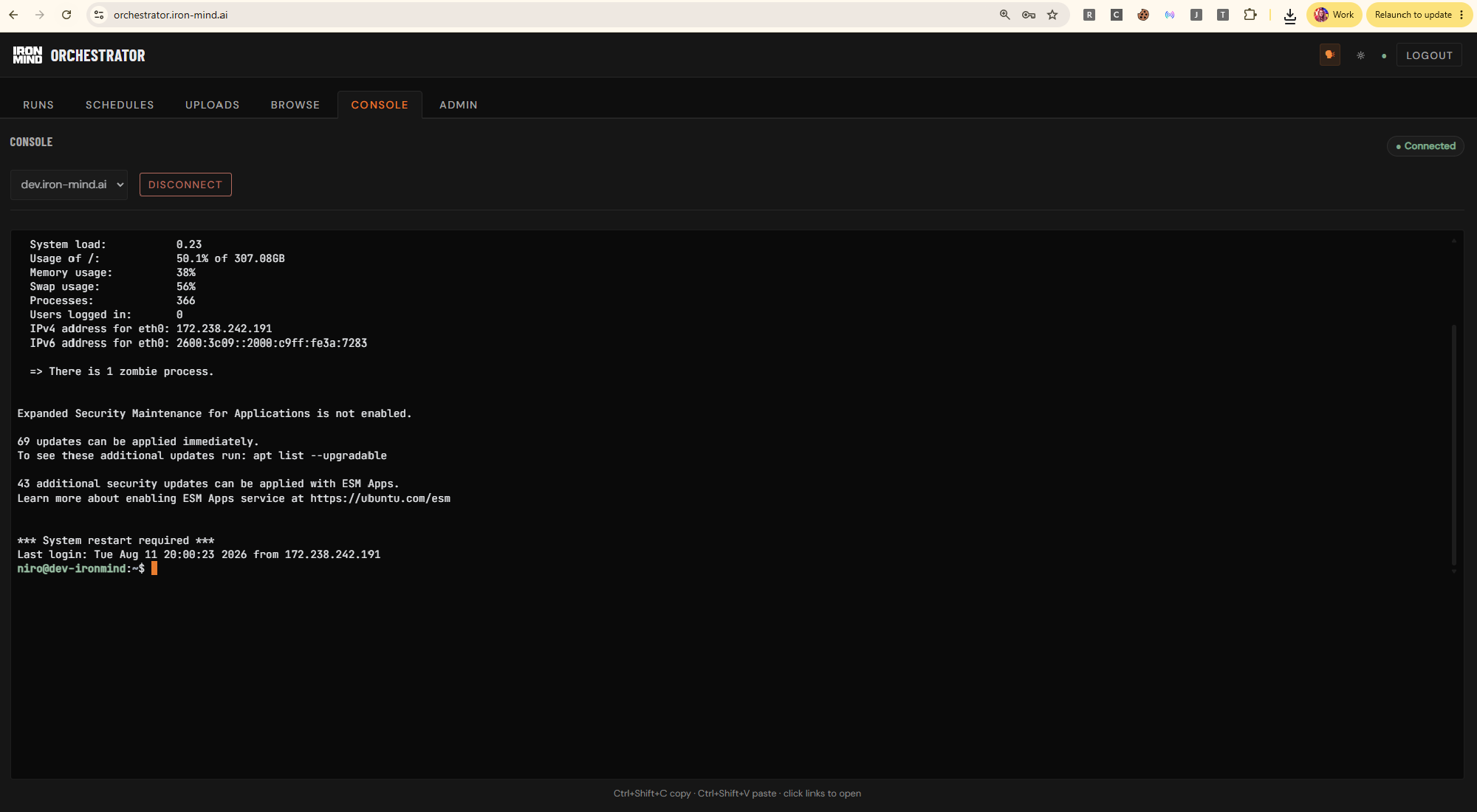
Console

● Disconnected

Select a target and click Connect to open a terminal session.

Ctrl+Shift+C copy · Ctrl+Shift+V paste · click links to open

Wipe attachments

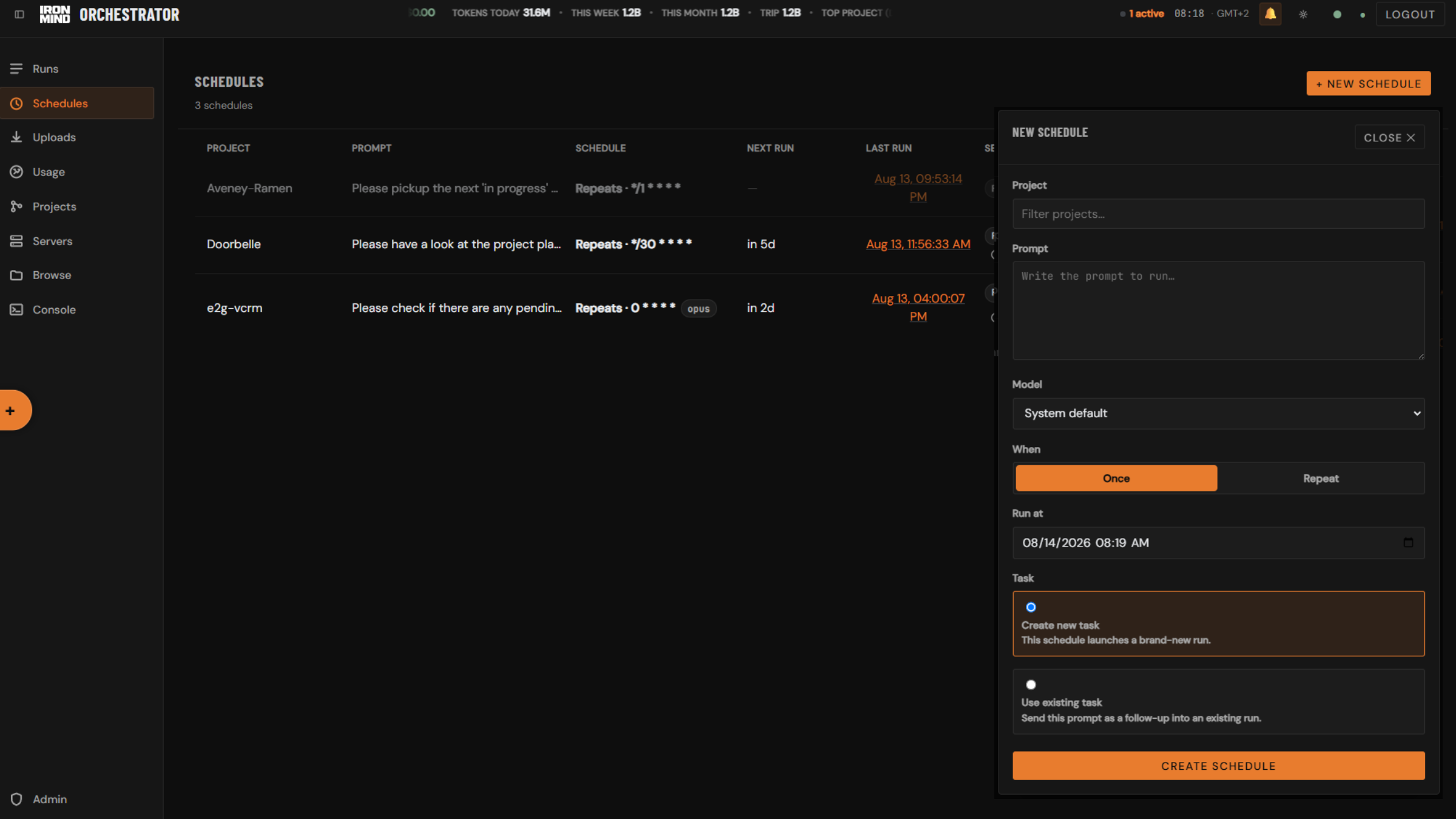
New schedule

minutes
of every hour

Send a follow-up

Continues this run in the same session — it does not create a new run.

Last response

Run detail
⚠ Claude login required on .
Project
Status
Preset
Model
PID
Exit code
Created
Finished
Session

Manage presets

Select a preset to edit, or create a new one.

Use ${variable} placeholders — each one becomes an input field when this preset is selected in the launcher.

Delete preset?

Delete ? This cannot be undone.

Manage projects

Select a project to edit, or register a new one.
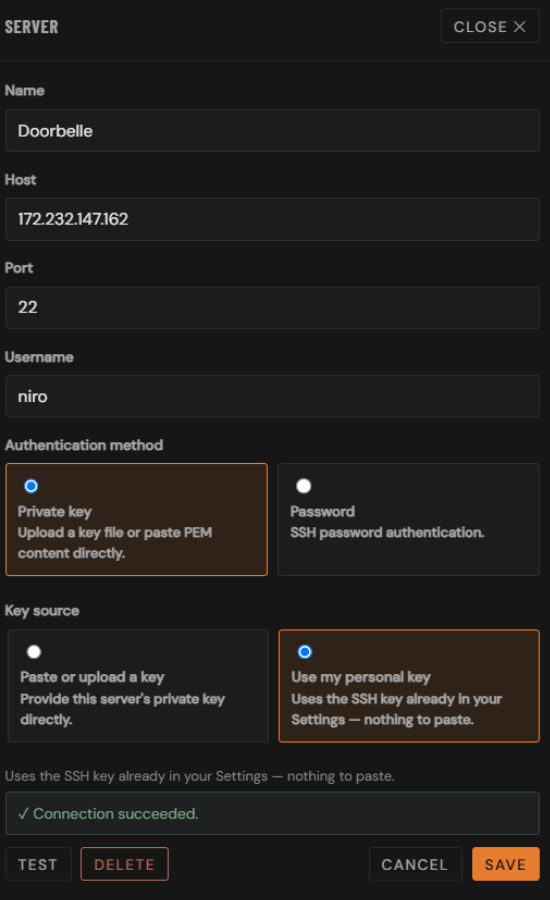
Select a server to edit, or add a new one.
A key is already on file for this server. Upload or paste a new one below to replace it — the current key is never shown.

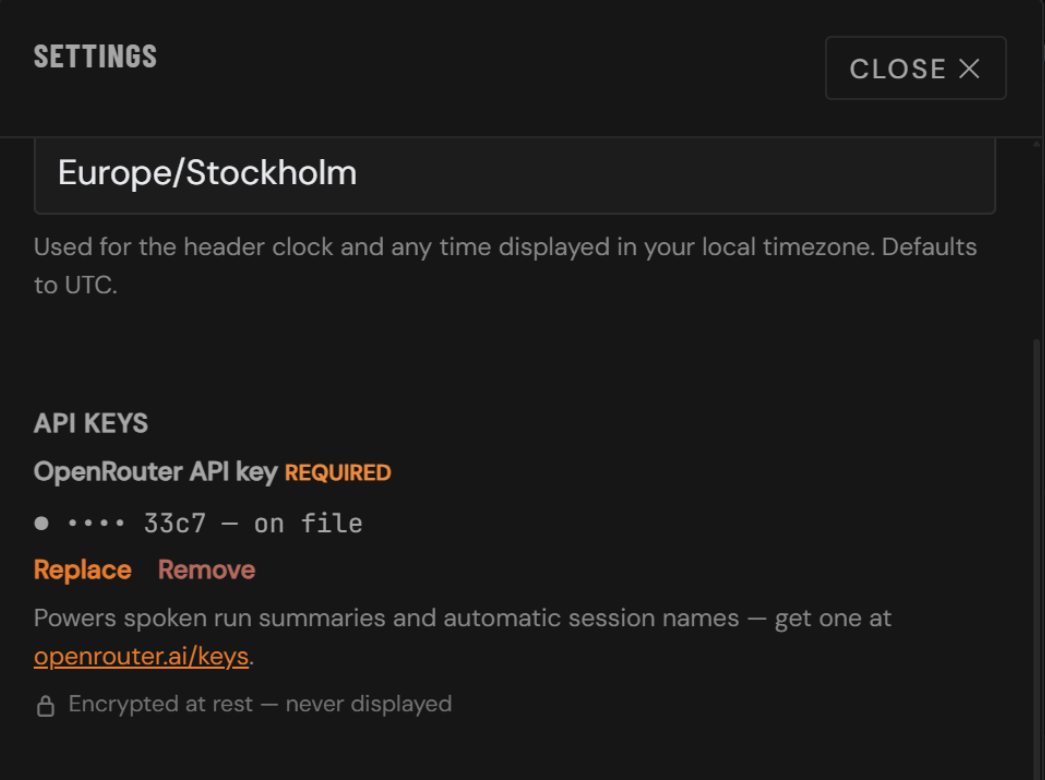
Uploading a file fills this field automatically — either path is fine, not both. Keys are encrypted at rest and never echoed back by the API.

A password is already on file for this server. Enter a new one below to replace it — the current password is never shown.

Delete project?

Delete ? This cannot be undone.

Delete server?

Delete ? This cannot be undone.

Browse folder